English
 中文
中文 Pусский
 Español
 عربي
عربي
What Daily Maintenance Extends the Life of an Automatic Screen Press?
After any production run—short or long—the way you shut down your automatic screen press directly influences its long-term reliability and lifespan.
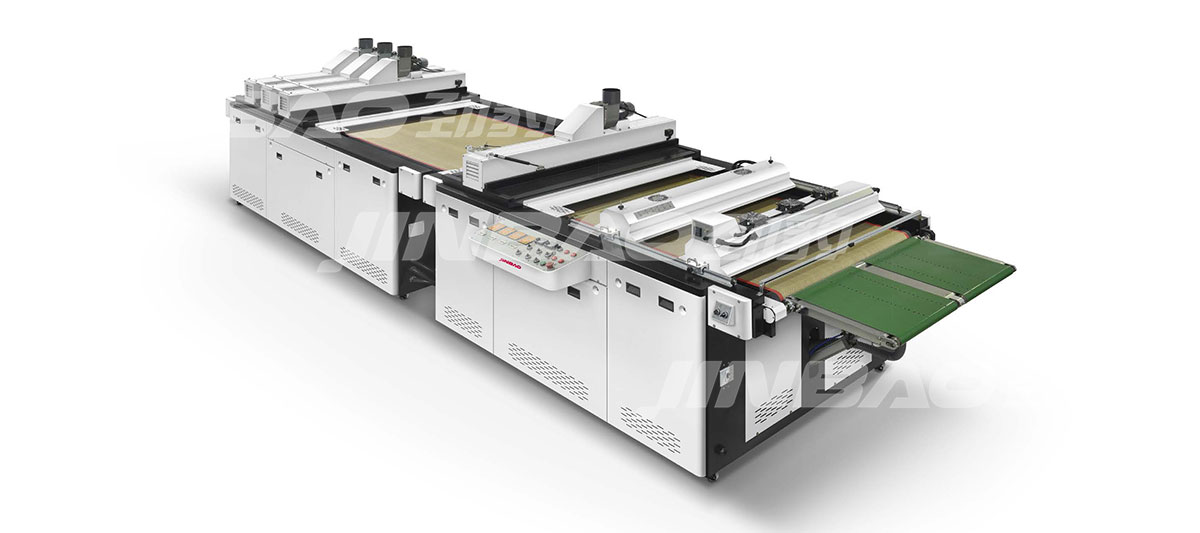
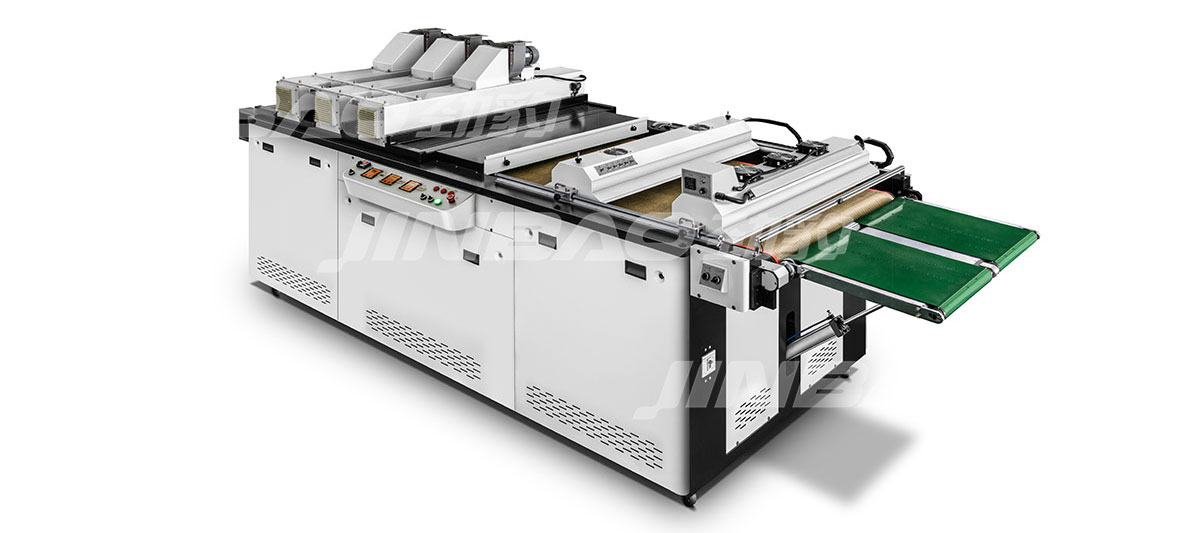
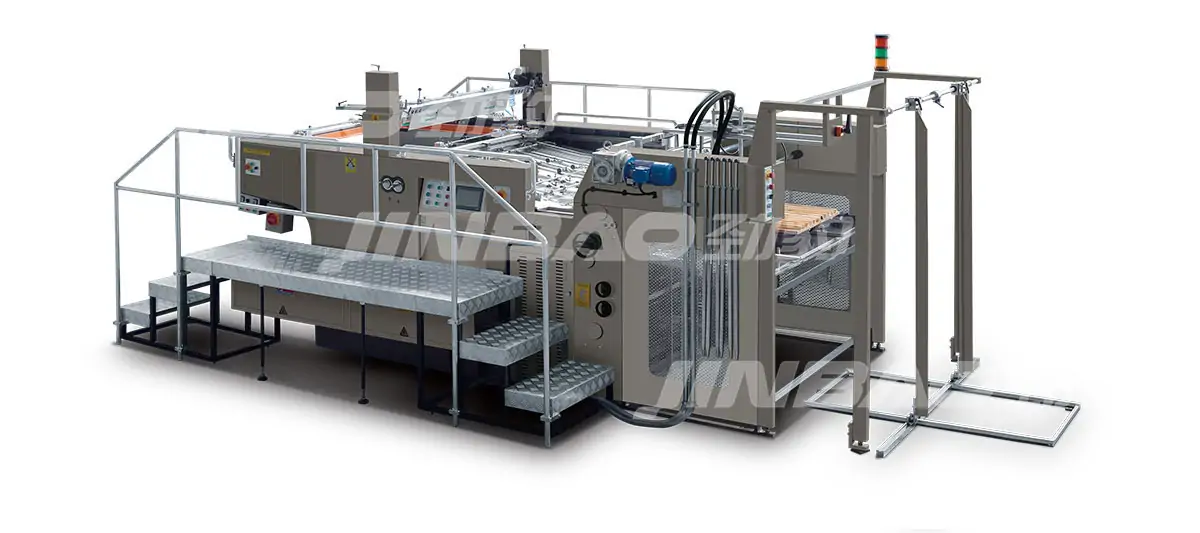
For a closer look at how a mechanical stop-cylinder screen printing system with centralised lubrication simplifies daily access to wear parts, you can review its service layout.
In industrial printing, it can be tempting to rush through cleaning or ignore small air leaks. However, neglecting routine maintenance is a common cause of premature equipment failure. Based on standard maintenance practices documented by equipment manufacturers and industry associations, the following routine separates machines that last only a few years from those that continue running reliably for a decade or more under normal operating conditions.
The Golden 10 Minutes After Every Shift
Many breakdowns begin not with a dramatic failure, but with dried ink inside a floodbar or debris on a registration sensor. A consistent end‑of‑day routine—taking about 10 minutes—can prevent most of these issues.
Remove and soak screens immediately – Do not let emulsion or ink harden. Use a mild, non‑caustic chemistry (pH 8‑9) to avoid degrading mesh tension.
Scrape floodbars and squeegees – Hardened ink changes durometer readings. Even a small increase (e.g., 2° Shore A) can cause uneven ink deposit.
Wipe all contact points – Pay special attention to the pallet glue line and the screen frame clamps. Leftover adhesive attracts dust, which can lead to misregistration in subsequent jobs.
Experience across many print shops shows that a disciplined post‑run cleanup significantly reduces common registration drift.
Weekly: The “Listen & Look” Inspection
Automation can hide developing problems inside covers and behind guards. A weekly inspection—running the press empty at low speed—helps catch issues early.
| Check Point | What to Listen/Look For | Typical Warning Signs |
| Air cylinders | Hissing, slow retraction | Cycle time deviation beyond the normal range |
| Bearings & rails | Grinding, vibration | Unusual temperature rise or noise |
| Tension belts (if equipped) | Squeaking on the index | Noticeable belt slack or noise |
| Electrical cabinet | Loose wires, dust buildup | Flickering indicator lights |
If you hear a change in the indexing motion rhythm, stop and investigate. What might seem like “normal wear” could be a failing linear guide, which is costly to replace once it seizes.
Monthly: The “Fluids & Filters” Protocol
Treating an automatic press like a manual machine—just oiling the chain and moving on—overlooks the specific needs of high‑speed automation. Clean compressed air, proper lubrication, and calibrated sensors are essential.
Air preparation unit
•Drain the water separator daily (deep‑clean the bowl monthly).
•Replace the 5‑micron filter element according to the manufacturer’s recommended interval or when the pressure drop exceeds 10%.
•Check lubricator oil level; use ISO VG 32 (never standard motor oil).
Drive system
•For servo‑driven presses: record the servo load monitor value at idle. A significant increase (e.g., 15% above baseline) may indicate mechanical binding.
•For pneumatic indexers: grease the rack & pinion with NLGI 2 lithium grease, but avoid over‑greasing, which can blow seals.
Registration system
•Remove and clean micro‑adjustment knobs. Dust can jam threads, causing registration drift.
•Verify that pre‑register stop gates return fully. A gate that stays slightly open can throw off multi-colour registration.
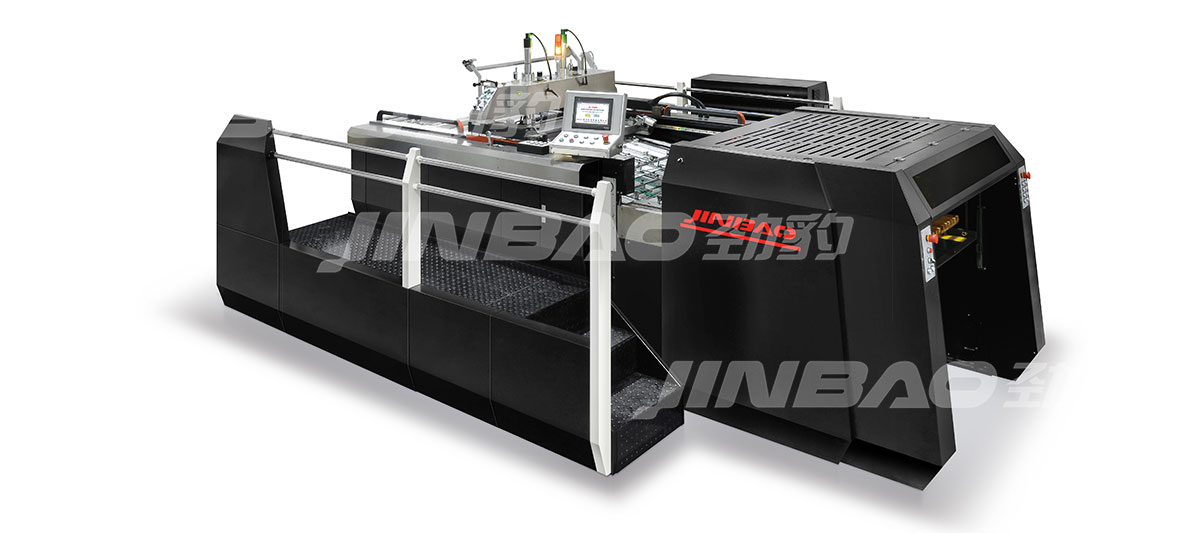
For a detailed breakdown of maintenance intervals compatible with a high-speed automatic screen press for rigid substrates, refer to the manufacturer’s service schedule.
Quarterly: Deep Calibration & Consumable Rotation
Long‑term reliability depends on replacing consumables before they fail, not after. A quarterly checklist should include:
•Squeegee blades – Flip or replace every 80–100 operating hours (or as recommended). Measure edge straightness against a granite block; even a small gap (e.g., 0.1 mm) is a sign to replace.
•Floodbars – Check for nicks. Any burr can cause streaks that cannot be corrected by screen tension alone.
•Pallet tape & adhesive – Old adhesive hardens and becomes uneven. Re‑level pallets with a dial indicator to ensure flatness within the tolerance specified by the press manufacturer.
•Fuses & relays – For presses older than several years, consider proactive replacement of miniature relays, as intermittent contact is difficult to diagnose.
The Most Overlooked Enemy: Air Quality
Random misfires, inconsistent print pressure, or a cylinder that moves in “jumps” are often traced back to contaminated compressed air. An automatic screen press frequently shares air with other shop equipment, exposing it to oil mist, water droplets, and rust particles that clog precision valves.
Solution: Install a dedicated air dryer and a 0.01‑micron coalescing filter for the press line. Many shops have reported significantly longer valve life after improving air quality.
When to Call a Professional vs. DIY
Not every issue requires a technician. However, some repairs are best left to qualified personnel.
| DIY Safe | Leave to Pro |
| Cleaning sensors, replacing squeegees, and changing filters | Rebuilding air cylinders, replacing servo drives, and re-grinding rails |
| Adjusting off-contact, re-levelling pallets | Calibrating encoder feedback, reprogramming the PLC |
| Tightening belt tension | Replacing the main bearing on the indexer hub |
Attempting complex repairs without proper tools or training can lead to further damage. For example, forcing a seized bearing without the correct extraction tools can crack the machine frame—a costly mistake.
The Real-World Impact of Maintenance Practices
In general, print shops that implement a disciplined preventive maintenance program experience fewer unscheduled downtimes, lower repair costs, and more consistent print registration compared to those that rely solely on reactive repairs. Well‑maintained presses are more likely to hold registration within industry standards (e.g., ISO 12647‑2 specifies a four-colour registration tolerance of ≤0.10 mm), whereas neglected equipment often drifts out of spec, leading to waste and customer rejects.
The difference in total cost of ownership between a maintained and a neglected press can be substantial over several years of operation.
Your Next Step: Make Maintenance a Workflow, Not a Chore
The difference between a machine that frustrates you and one that makes you money lies not in the brand alone, but in how you treat it every single day.
If you want a press built for easy maintenance—tool‑free filter access, colour-coded pneumatic lines, and a real‑time cycle counter—take a closer look at the modular stop-cylinder screen printing system with mechanical registration offered by Jinbao. Whether you plan to upgrade or simply benchmark your current setup, a well‑structured maintenance routine is the first step toward maximising equipment life.
Remember: The most expensive repair is often the one that could have been prevented.