English
 中文
中文 Pусский
 Español
 Français
 عربي
عربي
How Automatic Screen Printing Machines Work: A Technical Overview
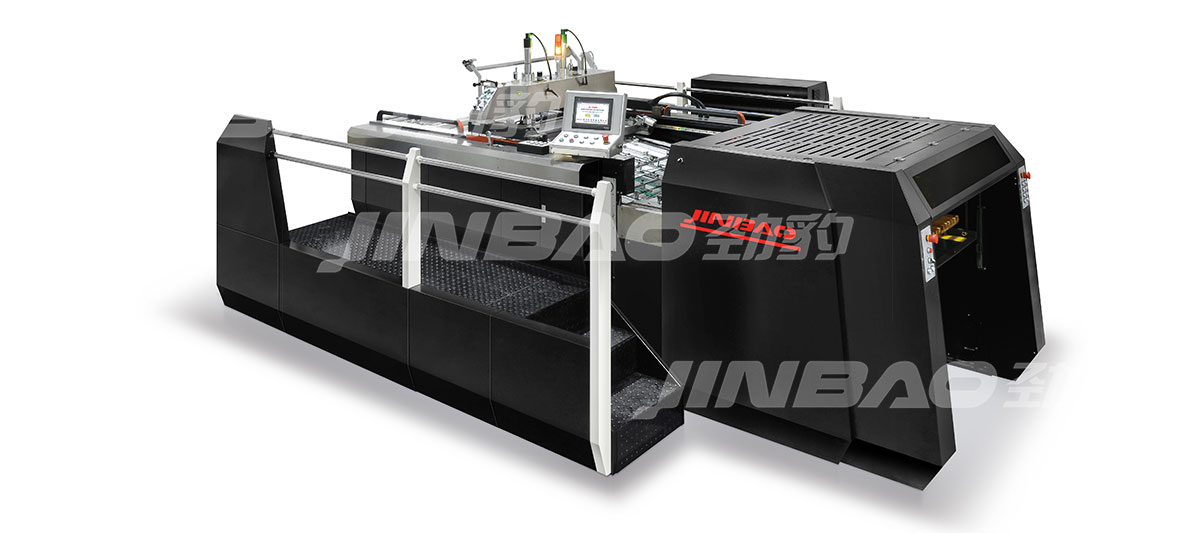
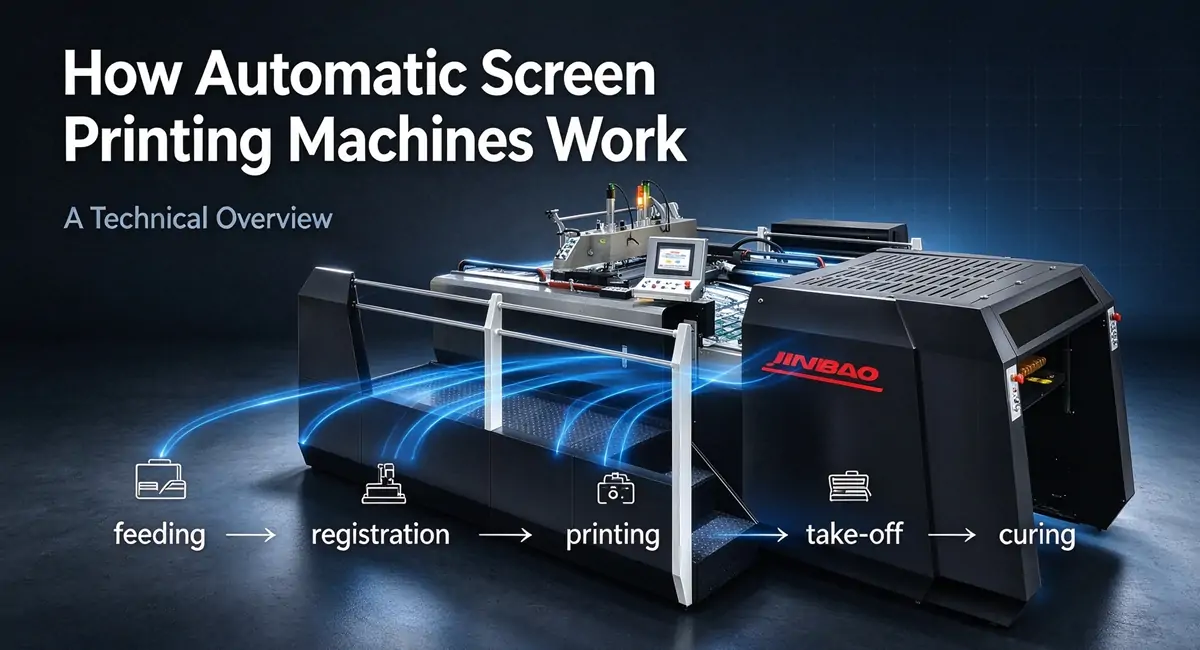
An automatic screen printing machine is a synchronized system of mechanical, pneumatic, and electronic components that work together to move a sheet from a feeder pile, print one or more colors with precise registration, and deliver a cured, stacked product at the output end. Unlike a semi-automatic press, where the operator controls the pace and placement of each sheet, an automatic machine relies on internal timing and feedback systems to maintain consistent production cycle after cycle.
Understanding how these systems work—and how they interact—helps buyers evaluate machine specifications, diagnose production problems, and make informed decisions about equipment configuration. This guide explains the core mechanisms behind sheet feeding, registration, ink transfer, take-off, and curing in a fully automatic screen printing press.
The Core Systems of an Automatic Screen Printing Machine
An automatic screen printing machine can be divided into six functional systems. Each system performs a specific task, but all systems must be synchronized to a master cycle time to achieve consistent output.
| System | Function | Key Components |
|---|---|---|
| Feeding system | Separates and delivers sheets from the pile | Suction head, feed rollers, double-sheet detector |
| Registration system | Aligns each sheet to a precise position | Front lays, side guides, sensors, servo adjusters |
| Transport system | Moves sheet through printing station | Cylinder, grippers, vacuum suction, transfer belts |
| Printing system | Transfers ink through screen to substrate | Screen frame, squeegee, flood bar, pressure controls |
| Take-off system | Removes printed sheet without marking | Grippers, suction cups, air flotation, conveyor |
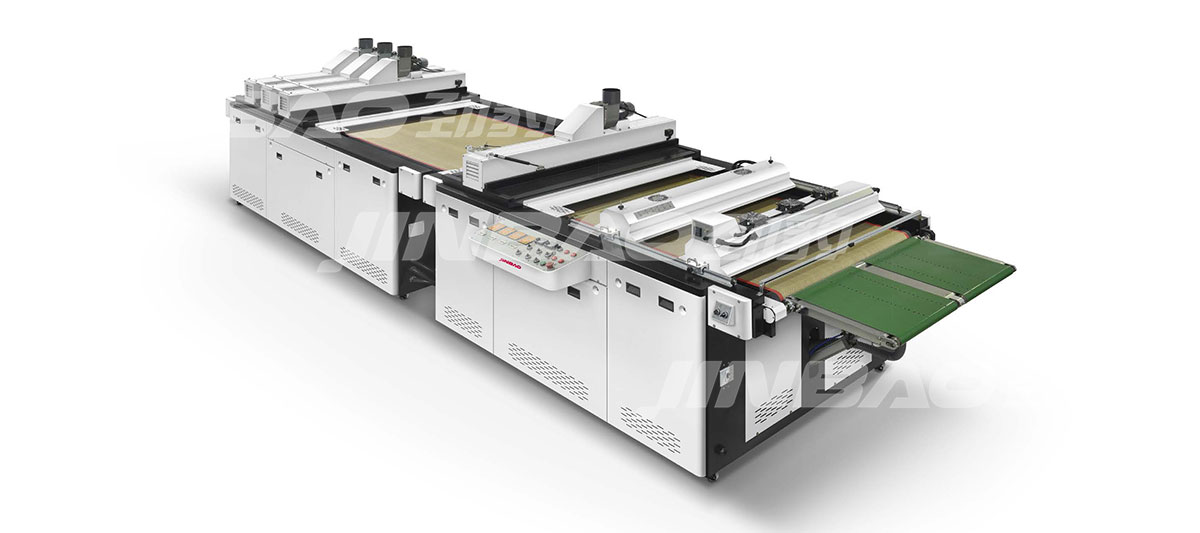
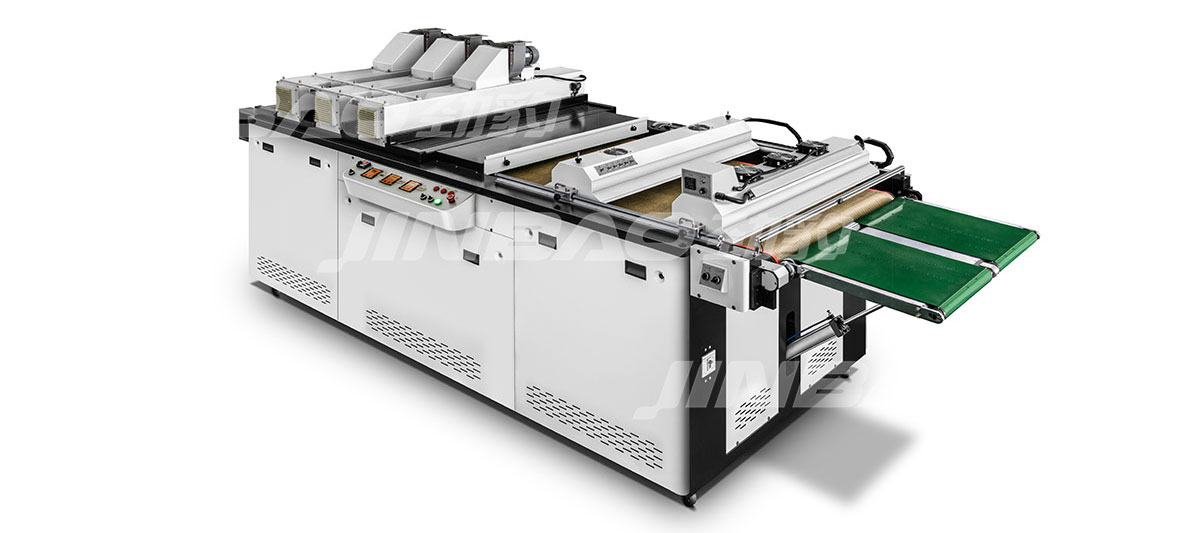
| Curing/drying system | Dries or cures ink | UV lamps, hot-air blowers, conveyor, exhaust |
The master cycle time—the time required for one complete print cycle—determines the machine's maximum production speed. Each system must complete its function within the allotted portion of the cycle. If any system takes longer than its allocated time, the machine must slow down, or the cycle will be disrupted.
How Sheet Feeding Works
The feeding system begins the production cycle. Its job is to separate one sheet from the top of the pile and deliver it to the registration system at the correct time and in the correct orientation.
Pile Loading and Sheet Separation
Sheets are loaded onto a pile board, either manually or by a pallet loading system. The pile is raised incrementally as sheets are consumed, maintaining a consistent height relative to the suction head. The suction head lowers onto the top sheet, lifts it slightly, and forward blowers introduce air between the top few sheets to reduce friction and aid separation.
Suction and Feed Rollers
Once the top sheet is lifted by suction, feed rollers or gripper bars pull it forward into the registration station. The timing of this transfer must be precise—the sheet must arrive at the front lays at exactly the right moment in the cycle.
Double-Sheet Detection
A double-sheet detector monitors the thickness of the material being fed. If two sheets are fed together, the detector triggers a stop to prevent jams and misregistration. This is particularly important for thin substrates, which are more prone to static buildup and sticking.
Feeder Adjustments
The feeder must be adjusted for each new job to match sheet size, thickness, and surface characteristics. Key adjustments include suction head height, blow air pressure, feed roller pressure, and double-sheet detector sensitivity. Setup time for feeder adjustment typically ranges from 10 to 20 minutes depending on the machine and operator experience.
How Registration Works
Registration is the process of aligning each sheet to the same position before printing. In multi-color work, registration accuracy determines whether colors align correctly. Registration errors of even 0.1mm can be visible in fine detail or multi-color images.
Front Lays and Side Guides
In a mechanical registration system, the sheet is driven against front lays (stops at the front edge of the sheet path) and side guides (stops at the side edge). The front lays stop the sheet's forward motion; the side guides push it laterally into position. The sheet must be held against these stops long enough for the grippers to take control.
Sensor-Based Registration
Modern automatic machines use self-setting CNC sensor registration systems. Optical sensors detect the sheet's position as it enters the registration station, and servo-controlled adjusters move the front lays and side guides to align the sheet. This system can compensate for minor variations in sheet size or feeding position, maintaining registration accuracy across long runs.
Registration Accuracy Factors
Several factors affect achievable registration accuracy:
- Sheet stability: The sheet must be held securely during printing. Vacuum suction or gripper systems prevent movement.
- Printing mechanism: Stop cylinder machines hold the sheet stationary during printing, eliminating movement during ink transfer. Swing cylinder machines require the sheet to move continuously, introducing more variables.
- Sensor calibration: Optical sensors must be clean and properly calibrated. Dust, ink mist, or paper particles on the sensor can cause false readings and registration drift.
- Mechanical wear: Worn gripper pads, loose clamps, or misaligned stops degrade registration over time.
How Ink Transfer Works
The printing system transfers ink from the screen to the substrate. This is the core function of the machine, and its design determines print quality, ink deposit thickness, and production speed.
Screen and Frame
The screen is a mesh stretched across a frame. The image area is open mesh; the non-image area is blocked by emulsion. Ink is pushed through the open mesh areas onto the substrate below. Screen tension, mesh count, and emulsion thickness all affect ink deposit and print resolution.
Squeegee and Flood Bar
The squeegee is a rubber or polyurethane blade that travels across the screen, forcing ink through the mesh. The flood bar follows behind, coating the screen with a fresh layer of ink for the next cycle. Squeegee pressure, angle, and speed are adjustable parameters that affect ink deposit thickness and print quality.
Off-Contact Distance
Off-contact is the small gap between the screen and the substrate when the screen is at rest. During printing, the squeegee pushes the screen down into contact with the substrate. After the squeegee passes, the screen snaps back to its rest position, separating from the substrate. Proper off-contact is essential for clean ink release and screen separation—too little off-contact causes smearing; too much causes distortion.
Printing Cycle Timing
In a stop cylinder machine, the sheet pauses under the screen while the squeegee passes. The squeegee travels forward, then the flood bar returns to coat the screen. The sheet then advances, and the cycle repeats. In a swing cylinder machine, the sheet moves continuously, and the squeegee must synchronize its motion with the sheet's travel speed.
How Sheet Take-Off Works
After printing, the sheet must be removed from the printing station and transferred to the curing system. The take-off system must handle the sheet without marking the wet ink surface.
Gripper Systems
Grippers hold the sheet by its leading edge and transfer it from the printing cylinder to the delivery conveyor. The gripper timing must be synchronized with the printing cycle—releasing too early causes the sheet to drop; releasing too late causes jams.
Suction and Air Flotation
For heavy ink deposits or delicate substrates, air flotation systems use a cushion of air to support the sheet without contact. This prevents marking and reduces the risk of smudging. Suction cups may also be used to lift the sheet from the cylinder and transfer it to the conveyor.
Transfer to Curing System
The take-off system delivers the sheet to the curing or drying system at a consistent speed and orientation. Any hesitation or misalignment at this stage can cause sheets to overlap, jam, or cure unevenly.
How Curing and Drying Work
The curing or drying system completes the printing process by solidifying the ink. The method used depends on the ink type and substrate.
UV Curing
UV curing uses ultraviolet light to trigger photopolymerization in UV-curable inks. The ink cures instantly upon exposure to UV light, with no solvent evaporation. The UV curing unit consists of UV lamps, reflectors to focus the light, a conveyor to transport sheets, and a cooling system to manage heat. Key parameters include UV intensity (measured in mW/cm²), energy density (measured in mJ/cm²), and exposure time (determined by conveyor speed).
Hot-Air Drying
Hot-air drying evaporates solvents or water from the ink. The dryer uses heated air circulated over the printed surface. Drying time depends on ink type, ink thickness, air temperature, and airflow rate. Solvent-based inks require longer drying times and more robust exhaust systems than water-based inks.
Matching Curing to Production Speed
The curing system must be matched to the press speed. If the press runs faster than the curing system can handle, ink will not cure completely. If the curing system is oversized, energy is wasted. The relationship can be expressed as:
Printing output → Sheet travel speed → Required curing time → Dryer length / Conveyor speed
Buyers should verify that the curing system's capacity matches the press's maximum speed on their specific substrate and ink combination.
How the Control System Synchronizes Everything
The control system is the brain of the machine. It coordinates the timing of the feeder, registration system, printing cycle, take-off, and curing system to maintain a consistent production rhythm.
PLC and Motion Controllers
Programmable logic controllers (PLCs) and motion controllers execute the machine's operating sequence. They receive input from sensors (sheet position, registration, ink viscosity, UV output) and send commands to actuators (motors, pneumatic valves, servo drives).
Human-Machine Interface
The human-machine interface (HMI) allows the operator to set parameters, monitor production, and diagnose faults. Modern HMIs store job recipes, display real-time production data, and provide troubleshooting guidance.
Safety Systems
Safety systems—including emergency stops, guard interlocks, and light curtains—protect operators from moving parts. These systems must be functional at all times; bypassing them is dangerous and may violate workplace safety regulations.
Key Parameters That Affect Performance
| Parameter | Affects | Typical Adjustment Range |
|---|---|---|
| Squeegee pressure | Ink deposit, print clarity, screen wear | 2–6 bar depending on screen and ink |
| Squeegee speed | Ink transfer, production rate | 200–800 mm/s |
| Off-contact distance | Screen release, print sharpness | 1–5 mm depending on screen tension |
| UV lamp power | Curing speed, ink adhesion | 80–200 W/cm depending on ink |
| Conveyor speed | Curing time, production rate | Matched to press output |
Common Misunderstandings About How Machines Work
- "Faster is always better." Maximum speed is rarely achievable with all substrates. Running too fast can cause registration errors, incomplete curing, and feeder jams.
- "Registration is all about the sensors." Sensors are important, but mechanical stability—gripper condition, screen clamp tightness, pallet cleanliness—is equally critical.
- "UV curing is just about lamp power." Curing depends on UV intensity, energy density, exposure time, and ink formulation. A higher-power lamp does not compensate for excessive conveyor speed or incorrect ink.
- "The feeder is simple." Feeding is often the most challenging part of the process, especially with thin, coated, or static-prone substrates.
Frequently Asked Questions
What is the most critical system in an automatic screen printing machine?
All systems are important, but the registration system has the greatest impact on print quality. Even a perfectly functioning printing system cannot compensate for poor registration. The feeding system is a close second—if sheets are not fed consistently, registration cannot be maintained.
How does a stop cylinder machine differ from a swing cylinder machine in operation?
In a stop cylinder machine, the cylinder pauses with the sheet under the screen while the squeegee passes. In a swing cylinder machine, the cylinder moves continuously, and the squeegee synchronizes with the moving sheet. The stop cylinder design provides higher registration accuracy; the swing cylinder design provides higher speed.
What determines the maximum production speed of an automatic screen printing machine?
Maximum speed is determined by the slowest system in the cycle. Typically, the limiting factors are substrate feeding speed, printing cycle time (stop vs swing cylinder), and curing capacity. Rated speed is rarely achievable with all substrates—actual speed depends on sheet size, thickness, ink type, and registration requirements.
How does the machine know when a sheet is misaligned?
Optical sensors in the registration system detect the sheet's position. If the sheet is outside the acceptable range, the machine either adjusts the registration (in a CNC sensor system) or stops to prevent a misregistered print. Some machines also have sensors that detect double sheets, missing sheets, or jams.
Can I run different sheet sizes on the same machine?
Yes, most automatic screen printing machines can handle a range of sheet sizes within their minimum and maximum specifications. However, changing sheet size requires adjusting the feeder, registration guides, and take-off system—a process that typically takes 15 to 45 minutes depending on the machine and operator experience.
Next Steps
Understanding how an automatic screen printing machine works helps you evaluate specifications, diagnose production issues, and communicate more effectively with suppliers. The core systems—feeding, registration, transport, printing, take-off, and curing—must all be synchronized to achieve consistent output.
For a broader overview of machine types, applications, and selection factors, review the automatic screen printing machine guide. If you have specific production requirements, discuss your material and production needs directly with the supplier to confirm the appropriate configuration.