English
 中文
中文 Pусский
 Español
 Français
 عربي
عربي
How to Choose a Full Automatic Screen Printing Machine: A Buyer’s Selection Guide
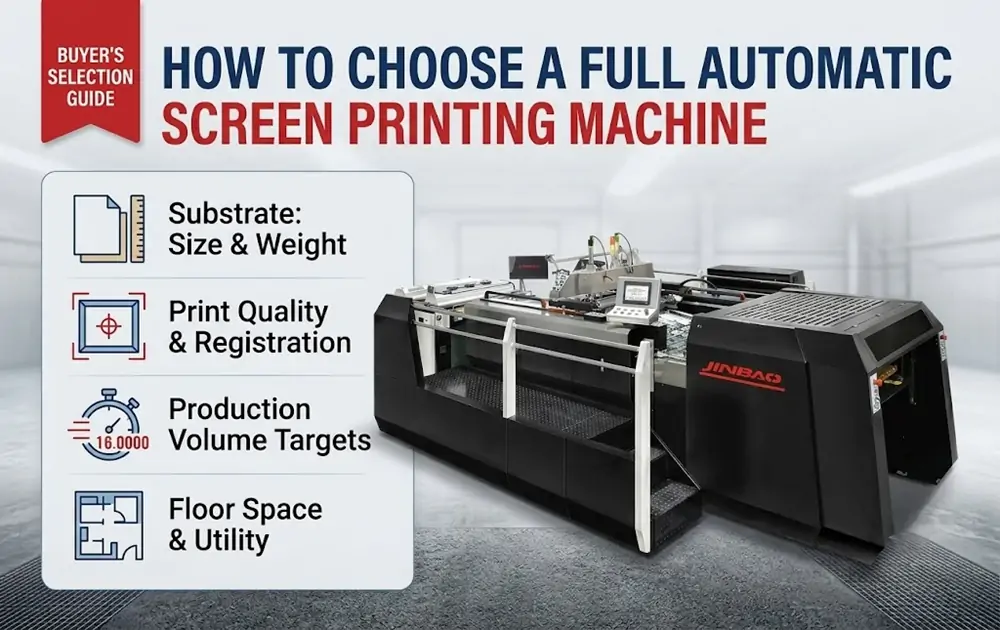
Choosing a full automatic screen printing machine is not about finding the fastest or most expensive model—it is about matching the equipment to your specific production requirements. The right machine for a shop printing ceramic decals on thin paper will differ significantly from one running heavy packaging boards with UV spot coating. Before comparing specifications or requesting quotes, buyers should clarify four core factors: substrate type and size, print quality and registration requirements, production volume targets, and available floor space and utility capacity. This guide walks through each of these considerations and provides a practical framework for evaluating full automatic screen printing machine options.
1. Understand Your Substrate: Size, Weight, and Material
The material you print on is the single most important factor in machine selection. Substrate characteristics directly influence feeding mechanisms, transport systems, and the maximum running speed a machine can sustain in real-world production.
Sheet size determines which machine format you need. Full automatic screen printing machines are available in different maximum sheet sizes—from smaller formats like JB-54C to larger ones like JB-145C. A machine with a larger maximum sheet size has a longer physical travel distance per cycle, which affects the maximum cycles per minute. Buyers should select a machine whose maximum sheet size comfortably accommodates their largest regular job, leaving some margin for future needs.
Substrate weight and rigidity affect feeding speed and handling requirements. Lighter substrates such as decal paper and thin films can be fed and transported faster, allowing the machine to run closer to its maximum cycle rate. Heavier materials—cardboard, thick packaging stock, or rigid substrates—require slower feeding, gentler handling, and longer transport time between stations. A machine that runs paper at 4,000 sheets per hour may run at half that speed on thick board or when applying heavy UV varnish.
Material type also matters. Applications range from decal paper and stickers to packaging boxes, ceramic decals, and electronic components—each with different handling requirements. If your operation involves multiple substrate types, look for a machine with adjustable settings that can accommodate variation without extensive changeover time.
2. Choose the Right Printing Mechanism: Stop Cylinder vs. Swing Cylinder
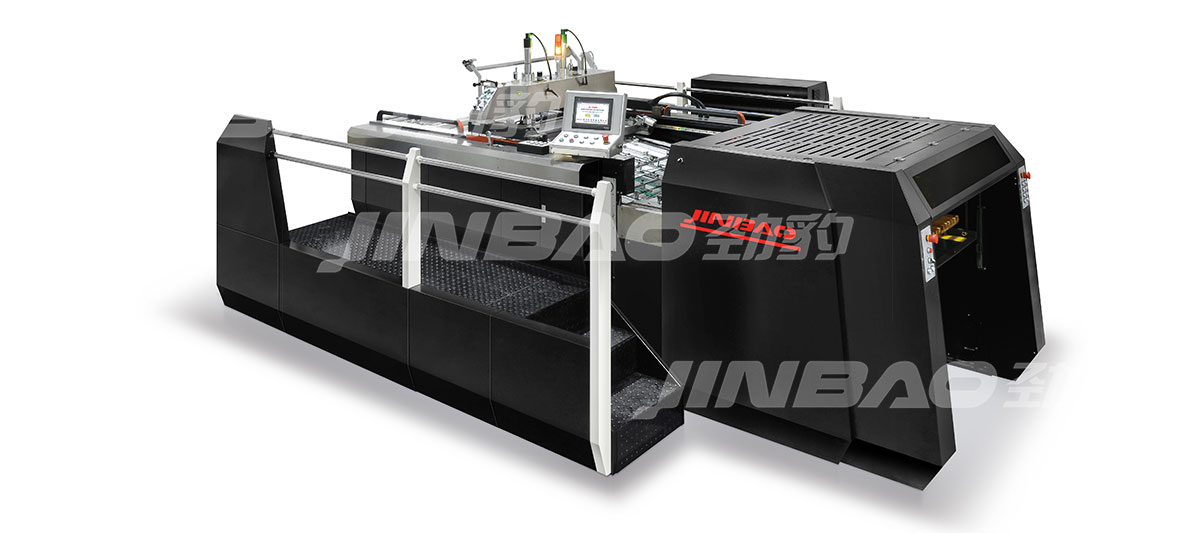
Full automatic screen printing machines divide into two structural types: stop cylinder and swing cylinder. The choice between them directly affects both achievable speed and print quality.
Stop cylinder machines pause the substrate under the screen while the squeegee passes, then advance the sheet. This design typically delivers higher registration accuracy and is suited for multi-color work and fine detail. The stop-and-go motion means the cycle time includes a dwell period, which reduces maximum sheet-per-hour speed compared to swing cylinder designs.
Swing cylinder machines use a continuous rotary motion, allowing faster throughput. They are commonly chosen for high-volume single-color or less registration-critical work, such as decal printing.
The decision depends on your quality requirements. A swing cylinder machine may run faster in sheets per hour, but if the job requires tight multi-color registration, a stop cylinder machine’s dwell time is necessary—and the “slower” cycle may still deliver better net productivity by reducing rejects. For applications like high-end packaging, cosmetic boxes, or products with fine detail and tight registration, stop cylinder is typically the preferred choice. For high-volume decal printing where registration tolerances are wider, swing cylinder may offer better throughput.
3. Evaluate the Drive System: Servo vs. Mechanical
The drive system determines how quickly and precisely the machine can cycle, accelerate, and decelerate. Most manufacturers offer both servo-driven models and mechanical versions.
Servo-driven machines use electronically controlled motors that allow faster acceleration, smoother motion profiles, and programmable speed settings for different parts of the cycle. This means they can run at higher speeds while maintaining registration accuracy, and they can be fine-tuned for specific substrates. For high-speed production of standard jobs, the servo advantage becomes most apparent in the non-printing portions of the cycle.
Mechanical versions rely on cam-driven mechanical linkages. While robust and proven, they typically have a fixed motion profile that cannot be optimized per job. The maximum cycle speed is mechanically limited and less flexible across different materials.
For shops running a wide variety of jobs with different substrates and print requirements, servo-driven machines offer greater flexibility and the ability to optimize settings per job. For shops running long runs of standard jobs with consistent specifications, mechanical versions may provide a more cost-effective solution.
4. Consider Production Volume and Efficiency Targets
Your target production volume determines not just the machine speed you need, but also the level of automation required for feeding, registration, and stacking.
A full automatic screen printing machine with a fully automatic system can improve production efficiency by more than 30% compared to semi-automatic alternatives. However, “fully automatic” means different things on different machines. Key automation features to evaluate include:
• Automatic feeding: Does the machine include a pre-feeder that can handle your sheet size and weight consistently?
• Automatic registration: How is sheet alignment achieved? Is it manual or servo-controlled?
• Automatic stacking: Does the delivery system stack finished sheets properly without marking or scuffing?
• Job changeover time: How long does it take to switch between different sheet sizes or print jobs?
For operations running multiple shifts or high-volume orders, these automation features directly impact labor costs and throughput per square foot of floor space.
5. Don’t Overlook Auxiliary Equipment and Line Integration
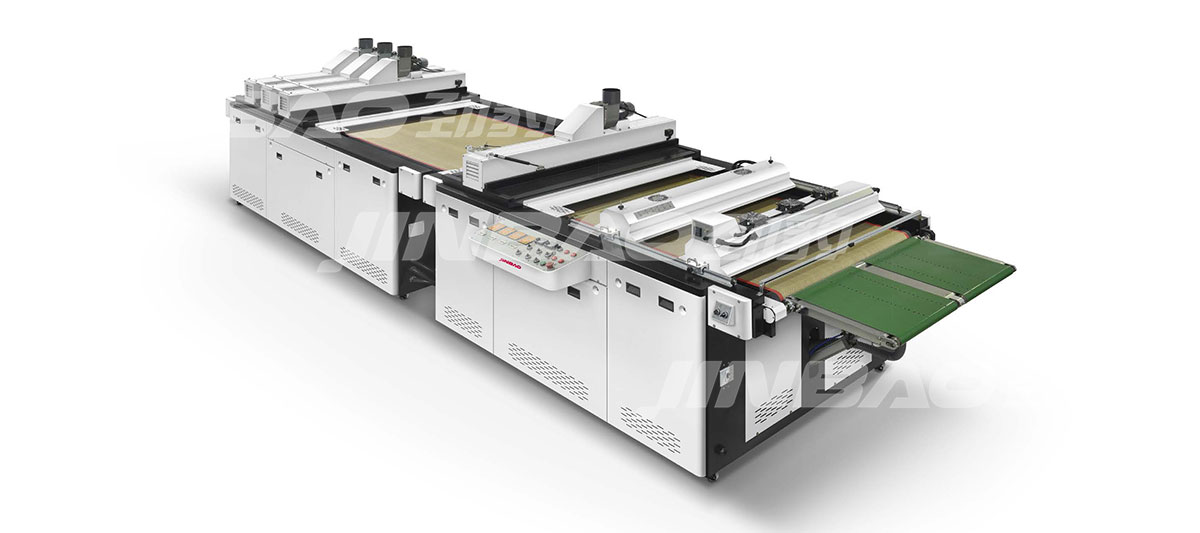
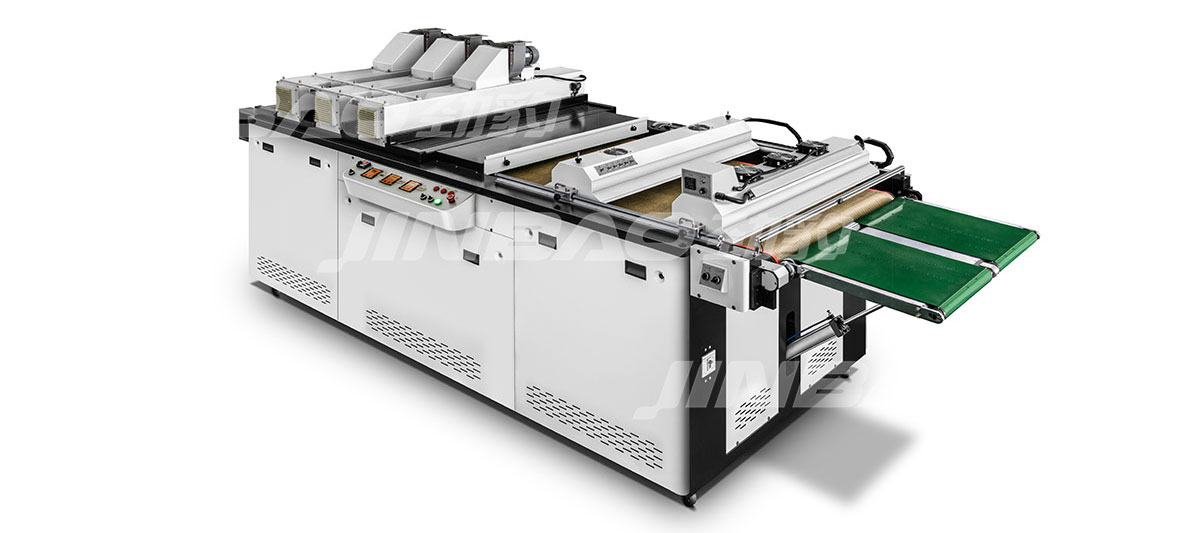
A screen printing machine rarely operates in isolation. The total system includes UV curing units, paper stackers, and other auxiliary equipment that must work together to constitute a complete printing line.
When selecting a full automatic screen printing machine, consider:
• UV curing compatibility: Does the machine support the type of UV curing you plan to use? The choice between mercury vapour and LED curing has significant implications for substrate compatibility, operating cost, and ink formulation. For heat-sensitive substrates, LED curing with negligible infrared heat may be essential.
• Inline functionality: Machines with online functionality can realize a variety of complex high-quality processes when reasonably combined.
• Floor space: A complete line occupies more space than the press alone. Verify that your facility can accommodate the full configuration, including feeding and stacking equipment.
For a deeper understanding of how to integrate UV curing into your line, refer to this guide on selecting UV curing equipment.
Selection Comparison Table
| Consideration | Stop Cylinder | Swing Cylinder | Servo Drive | Mechanical Drive |
|---|---|---|---|---|
| Registration Accuracy | High | Moderate | High (programmable) | Fixed |
| Maximum Speed | Moderate | High | Higher, job-optimized | Fixed maximum |
| Substrate Flexibility | Good | Limited to compatible types | High, adjustable per job | Limited |
| Multi-Color Suitability | Excellent | Limited | Excellent | Moderate |
| Typical Applications | Packaging, fine detail, multi-color | Decals, high-volume single-color | Variable jobs, quality-critical | Long runs, standard specs |
| Initial Cost | Higher | Lower | Higher | Lower |
Pre-Purchase Checklist
Before contacting suppliers or requesting quotes, complete this checklist to clarify your requirements:
• What is the maximum sheet size you need to print (length × width)?
• What substrates do you print on most frequently (paper, board, film, others)?
• What is the typical substrate weight or caliper range?
• Do you require multi-color registration? If so, how tight are the tolerances?
• What is your target production volume per shift?
• How many job changeovers do you perform per day or week?
• Do you have existing UV curing equipment, or will you need a new unit?
• What is your available floor space for the machine and auxiliary equipment?
• What is your power supply and compressed air capacity?
Common Mistakes to Avoid
Buying based on maximum speed alone: The rated sheets-per-hour figure is rarely achievable in real-world production with your specific substrates and job requirements. Always ask for sustained production rates on your most common job type.
Underestimating substrate variation: A machine that performs well on paper may struggle with board or film. Test your actual materials before purchasing.
Ignoring auxiliary equipment compatibility: A high-performance press paired with an underspecified UV curing unit will produce rejects regardless of how fast the press runs.
Overlooking training and support: Fully automatic machines require proper setup and operation. Verify that the supplier provides adequate installation training and after-sales support.
Frequently Asked Questions
What is the difference between a stop cylinder and a swing cylinder screen printing machine?
A stop cylinder machine pauses the substrate under the screen during printing, delivering higher registration accuracy for multi-color and fine-detail work. A swing cylinder machine uses continuous motion for faster throughput, typically used for high-volume single-color or less registration-critical applications.
How much can a full automatic screen printing machine improve production efficiency?
A fully automatic system can improve production efficiency by more than 30% compared to semi-automatic alternatives. The actual improvement depends on job complexity, substrate type, and the level of automation in feeding, registration, and stacking.
What substrate types can a full automatic screen printing machine handle?
Full automatic screen printing machines handle a wide range of substrates including paper, board, decal paper, stickers, packaging boxes, ceramic decals, films, and electronic components. The specific range depends on the machine model and configuration.
Should I choose a servo-driven or mechanical screen printing machine?
Servo-driven machines offer greater flexibility with programmable speed settings for different substrates and job types, while mechanical versions provide robust, proven performance with a fixed motion profile. The choice depends on whether you run varied or consistent jobs.
How do I verify if a machine can handle my specific substrate?
Most manufacturers offer sample testing services where you can provide your own products for commissioning and proofing on the equipment. This is the most reliable way to confirm that the machine meets your printing requirements.
Conclusion
Selecting a full automatic screen printing machine requires a systematic evaluation of your substrate types, quality requirements, production targets, and facility constraints. Start by clarifying your maximum sheet size and most common substrates, then determine whether stop cylinder or swing cylinder design better suits your registration needs. Evaluate the drive system based on job variability, and always consider the complete line—including UV curing and auxiliary equipment—rather than the press alone.
The most common mistake is prioritizing maximum speed over real-world suitability. A machine that runs slightly slower but produces fewer rejects and requires less changeover time will often deliver better net productivity than a faster machine that is mismatched to your application.
For a comprehensive understanding of how different configurations can be combined to form a complete printing line, review the available solutions and system configurations. If you have specific production requirements, discuss your material and production needs directly with the supplier to confirm the specification.